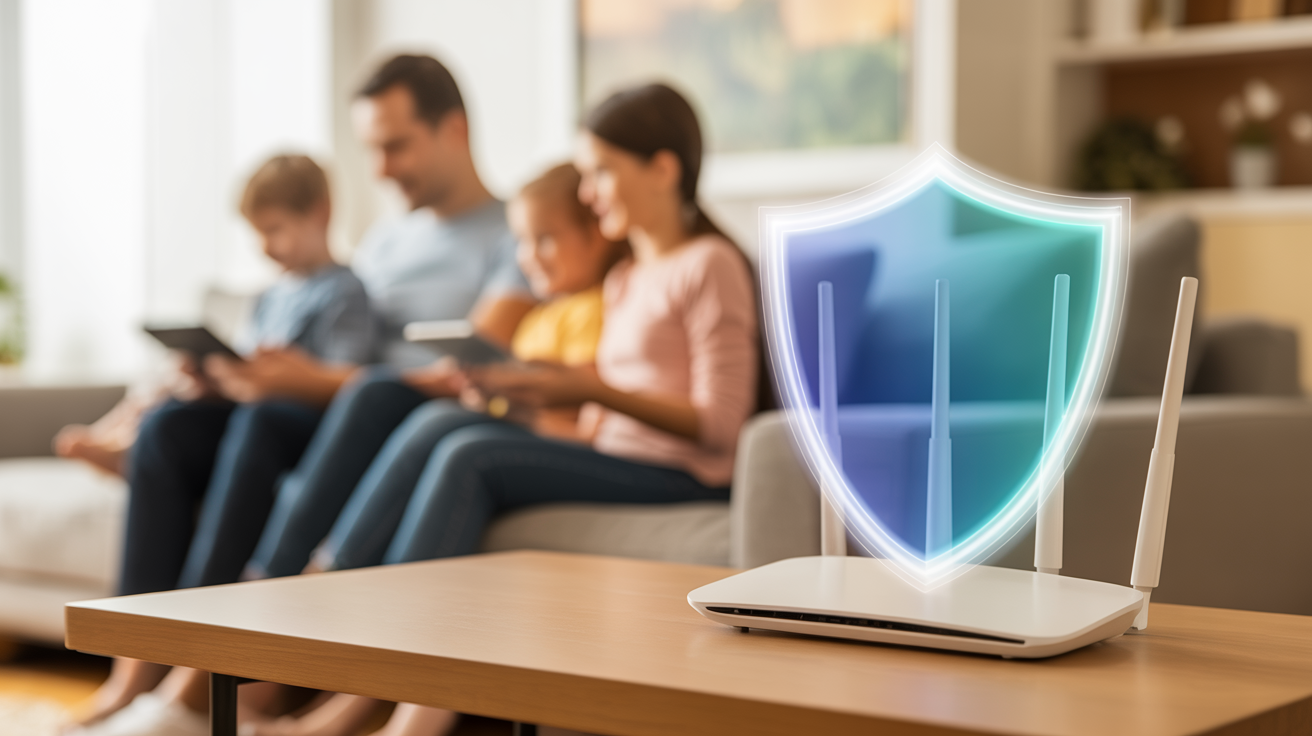
As a Sydney parent, you know the constant battle of managing your children's screen time. From online gaming to social media, the digital world is a vast and sometimes daunting place. The good news is that you have the power to create a safer online environment for your family.
Router-Level Controls: Your First Line of Defense
Your home WiFi router is the gateway to the internet for all your devices. Most modern routers, like those from major Australian ISPs such as Telstra, Optus, and TPG, come with built-in parental control features.
- Time limits: Set daily or weekly time limits for internet access on specific devices.
- Website filtering: Block access to specific websites or categories of content.
- Scheduled access: Control the times of day when the internet is available.
DNS Filtering: A Powerful Tool for a Cleaner Internet
DNS (Domain Name System) filtering is a powerful way to block inappropriate content at the network level. Services like OpenDNS and CleanBrowsing allow you to filter content for all devices on your network.
- Sign up for a free account: Both OpenDNS and CleanBrowsing offer free family-friendly filtering.
- Configure your router: Change your router's DNS settings to point to the service's servers.
- Customize your filtering levels: Choose from pre-configured levels or customize your own.
Device-Specific Settings
While router-level controls are a great start, you may also want to set up device-specific controls. Both iOS and Android have built-in parental control features that allow you to set screen time limits, restrict app purchases, and filter web content.
Monitoring Tools
For parents who want more visibility into their children's online activity, monitoring tools can provide detailed reports on website history, app usage, and social media activity. However, it's important to have an open conversation with your children about why you're using these tools.
Conclusion
Protecting your children online requires a layered approach. By combining router-level controls, DNS filtering, and device-specific settings, you can create a safer online experience for your family.
If you're feeling overwhelmed, the team at LocalTechWizards can help. Contact us today for a consultation!